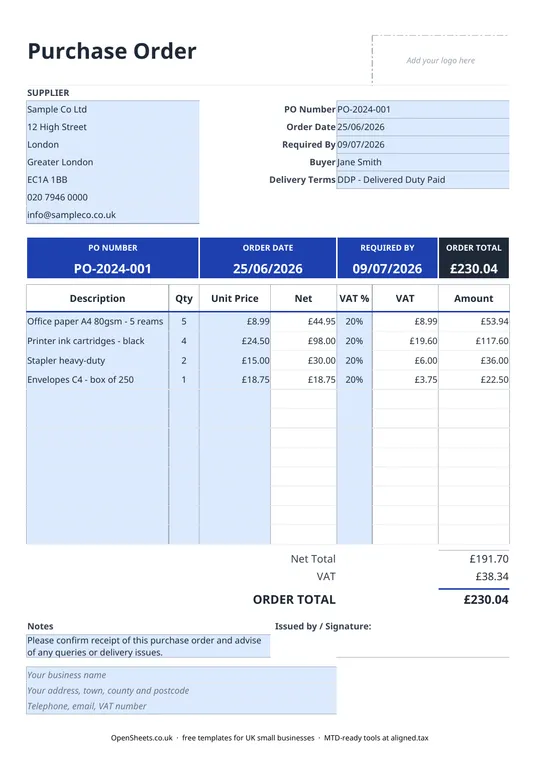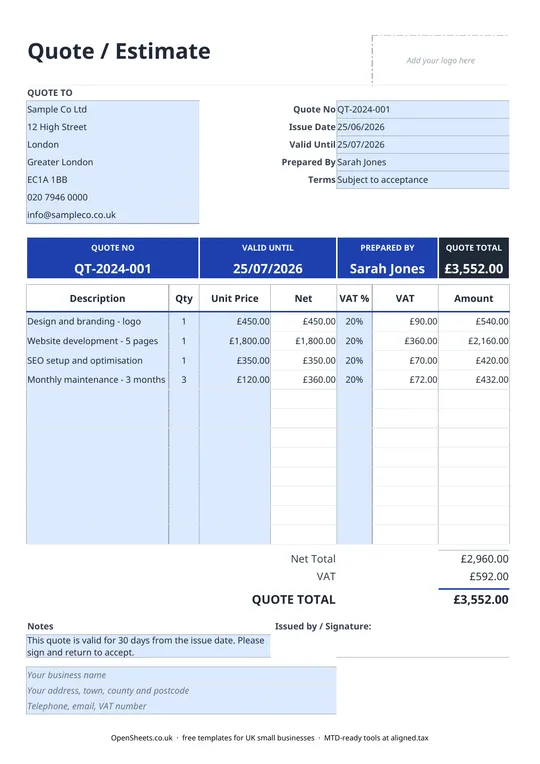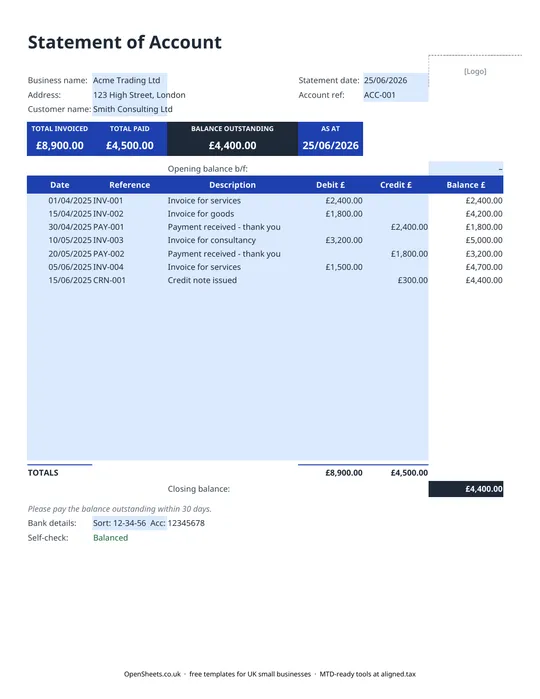
What goes on a UK invoice
A valid UK invoice is not complicated, but it does need the right fields in the right place.
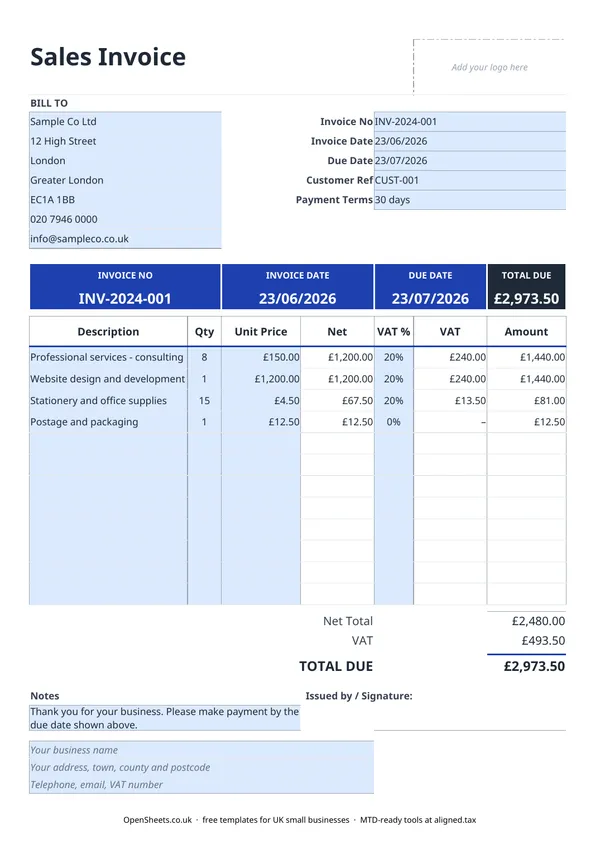
If you are not VAT-registered, you need: a unique invoice number, the invoice date, your trading name and address, your customer’s name and address, a description of what you sold, the amount, and your payment terms. That is it.
If you are VAT-registered, add your VAT registration number, the VAT rate applied to each line, and the VAT amount shown as a separate figure. HMRC calls this a “VAT invoice” and your customer needs it to reclaim the VAT they have paid. The template handles both cases. Just set the VAT rate per line and the totals sort themselves out.
VAT rates to know
- 20% is the standard rate. Most goods and services fall here.
- 5% is the reduced rate. It applies to things like domestic energy and some children’s car seats.
- 0% covers zero-rated goods and services, such as most food, children’s clothing, and books. Zero-rated is different from exempt. On a zero-rated sale you still need to show the VAT rate (0%) on the invoice.
- Exempt items (like some financial services and education) do not attract VAT at all and should not appear on a VAT invoice.
If you are not VAT-registered, ignore all of this and leave the VAT column empty.
Sequential invoice numbering
HMRC does not prescribe a specific format for invoice numbers, but they must be unique and sequential. There must be no gaps and no duplicates. A common approach is to use a prefix and a running count, for example INV-001, INV-002, or by year like INV-2024-001. Some sole traders reset at the start of each tax year (6 April); others keep a single running sequence. Either works.
Common mistakes to avoid
Sending the invoice without a number. Every invoice needs a unique reference. Without one, chasing payment is harder and your records will have gaps.
Forgetting payment terms. “30 days” means different things to different people. Be specific: “Payment due within 30 days of invoice date.” The template includes a payment terms field and calculates the due date automatically.
Wrong VAT treatment. If you apply 20% to something that is zero-rated or exempt, your customer cannot reclaim the excess. If you charge no VAT on a standard-rated sale, you may end up paying it yourself. If you are unsure of the rate for a specific product or service, check with HMRC or your accountant before sending.
Reusing invoice numbers. This is a red flag in any HMRC enquiry. Keep the sequence clean.
Keeping track and filing digitally
Once you are in the habit of keeping clean invoices, the next thing most sole traders want is a way to track what has been paid and what is still outstanding. A simple bookkeeping spreadsheet (there is one in the OpenSheets library) covers that.
If your combined income from self-employment and property is over £50,000, Making Tax Digital for Income Tax already applies to you from April 2026. It means keeping digital records and sending HMRC a quarterly summary of your income and expenses, rather than only filing once a year. If you are not at that threshold yet, the requirement comes in at £30,000 from April 2027 and £20,000 from April 2028.
When that time comes, Aligned (aligned.tax) is worth a look. It is free MTD bridging software that sends your records to HMRC straight from the spreadsheet you already keep. No separate accounting software needed.